Changelog
Back to HomeMiniMax H3 HeyGen Is Here: More Video, Less Cost

New video model
MiniMax H3 HeyGen
MiniMax H3 HeyGen (previously HeyGen Video 1) is now available, built on MiniMax H3 and post-trained by HeyGen. Explore video ideas at a lower cost, try more variations, and choose your favorite.
- Text
- Images
- Video
- Audio
Describe your idea with text, then guide it with image, video, or audio references to shape the subjects, motion, and sound.
Official MeiGen plugin is live
Create in ChatGPT
Find inspiration and generate images and videos right in your conversation. Create with leading models, from the first idea to the finished work.
Open in ChatGPTSeedance 2.5 Draft mode
Try a Draft. Render your favorite.
Test your idea with a 480p Draft. When you like the result, upgrade to a 1080p final video in one click.
- 480pTest your idea
- 1080pUpgrade your favorite
Upgrade within 7 days. Draft and final renders are billed separately.
GPT Image 2.5 Is Here
GPT Image 2.5 is now available, with more ways to create and edit images.
- Choose Quality first or Speed first to suit your task.
- Five quality levels — Standard, Medium, High, Extra High, and Max — with 1K, 2K, and 4K output.
- GPT Image 2 remains available with its familiar quality options.
Seedance 2.5 — Longer Videos, Richer References
- Seedance 2.5 — ByteDance's latest video model
- Generate 4–30 second clips in 480p, 720p, or 1080p
- Built-in audio generation for dialogue, sound effects, and ambience
- Start from text, a first frame, up to 2 content reference images, or a reference video
- Continue existing footage with up to 30 seconds of reference video
Board Export — Take Your Boards With You
- New premium perk: export any of your boards in one click (on desktop)
- You get a ZIP with the board's images plus a prompts.csv manifest
- Includes a prompts.csv manifest: prompts, source links (where available), and save dates — Excel-ready
- Multi-image posts are numbered per image, with the shared prompt written once — nothing reads as a duplicate
Seedream 5.0 Pro — New Flagship Image Model
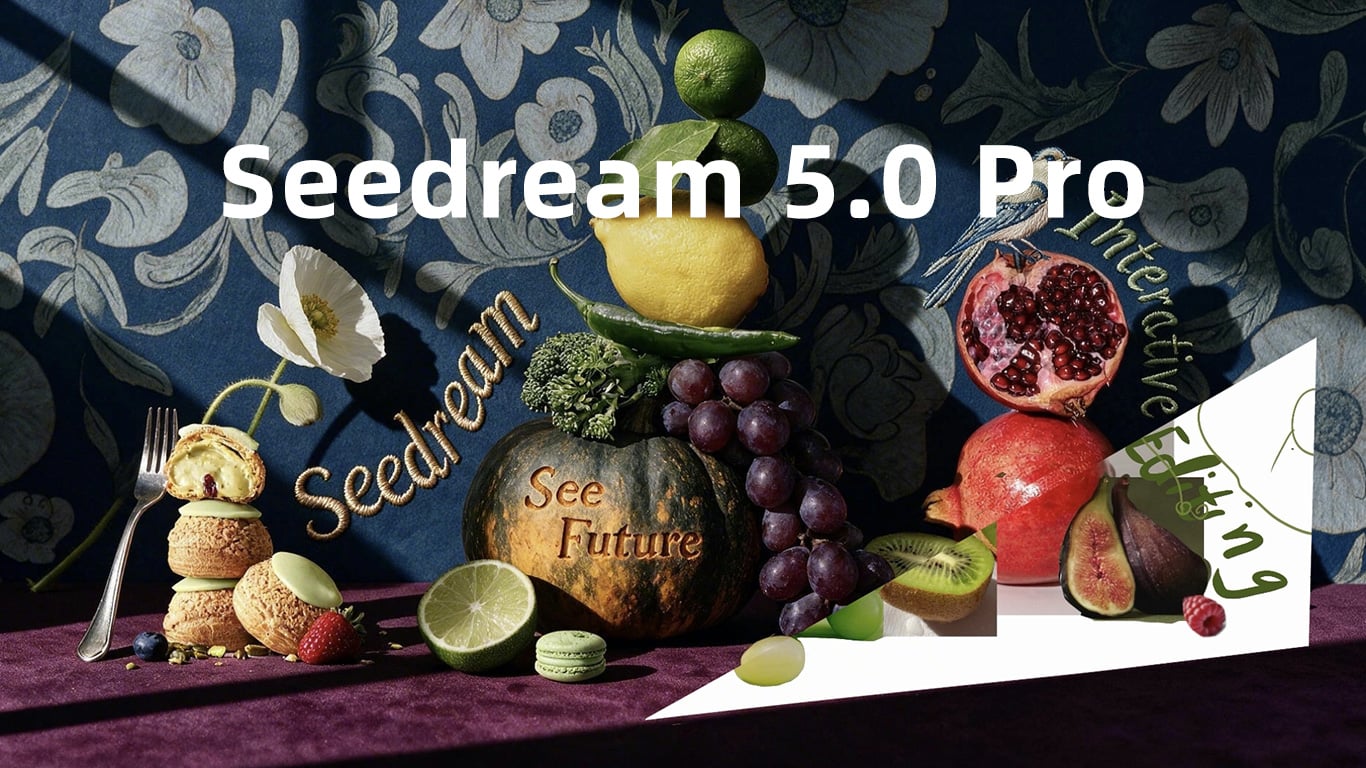
- Seedream 5.0 Pro — ByteDance's new flagship image model, now available
- Better at complex scenes, precise text, and multi-image blending
- Text-to-image and image-to-image, with up to 10 reference images
- Choose between 1K and 2K resolution
Seedance 2.0 Mini Tier and Native 4K
- Seedance 2.0 Mini — a new lightweight tier, now the default
- Native 4K on the Pro tier
- Happyhorse 1.1 — a new video model
- Agnes Image 2.1 Flash & Agnes Video 2.0 — new models, free with daily credits
- Live video previews in the gallery
- Storyboard for video
Grok Imagine: New Image & Video Models
- Grok Imagine Quality is xAI's high-quality image model, now live. Generate crisp visuals at 1K or 2K, and edit with reference images.
- Grok Video 1.5 brings a still image to life. Upload a starting image and turn it into a short video with built-in audio.
Skills: Complex Design, One Tap Away
- Introducing Skills, guided one-tap workflows for your store visuals. Upload a single product photo and get a full set of polished detail-page images, or an instant clean white-background shot.
- Every image comes with its copy already written and a consistent look across the whole set, with no design tools and no back-and-forth.
Share Your Work, Earn Rewards
- Publish your best images and videos to the MeiGen gallery. Selected works are showcased to everyone, and you earn reward credits when yours is picked.
- Save the pieces you love right from the gallery, videos included now, and see how many others have favorited each one.
Reference Library: Reuse Your Go-To Images
- Uploaded reference images are now saved automatically. Pick from recent uploads via the reference image button instead of re-uploading, and remove the ones you no longer need.
- AI Edit follows your instructions more accurately, keeping the original language and structure intact, with more reliable brand swaps, style changes, and reference mentions.
Bug Fixes
- Fixed Midjourney generation failures caused by certain prompt formats
- AI Edit input limit raised to 12,000 characters
- Image-to-prompt and AI Edit response speed improved by 40-47%
Still hand-editing prompts? Try AI Edit for instant tweaks
- Click AI Edit in the prompt editor and tell the AI what to change, like "swap the brand to Apple", "change blue to red", or "add more cinematic detail". Surgical edits, not a full rewrite. Works on both image and video sidebars.
- Free plan includes 10 daily AI Edits and 10 daily Image-to-Prompts. Paid plans bump both to 1,000 per day. These features use a separate quota and consume no credits.
Veo 3.1: Pro Tier, 4K Output, Flexible Duration
- Veo 3.1 gets a new Pro tier with higher fidelity and the same prompt control. Switch between Fast and Pro from the segmented control under the model selector.
- 720p / 1080p / 4K all cost the same, so pick the resolution you want. 1080p is the new default (was 720p). 4K renders take noticeably longer, but at the same price.
- Pick duration: 4s, 6s, or 8s. See the model comparison page for the latest pricing per tier and duration.
Flux 2 Klein
Added Flux 2 Klein as a base model.
Seedance 2.0 Pro: Higher Quality Tier
- Seedance 2.0 gets a new Pro tier with higher fidelity and native 1080p output. Switch between Fast and Pro from the segmented control under the model selector
- Pro tier is billed per second, with a separate rate when a reference video is used. See the model comparison page for the latest pricing matrix.
- Fast tier price and behavior stay unchanged. It simply switched to global infrastructure for better stability
Midjourney V8.1: Sharper, Now with Native 2K
- Midjourney V8.1 is live, with sharper details and improved prompt accuracy. Still 4 candidate images per generation
- Native 2K (HD) output is here. Toggle it in advanced options. See the model comparison page for current pricing.
- New Quality (Standard / High) toggle in advanced options, where High runs at 4× compute (no extra cost)
- Niji 7 stays available for anime and illustration. V7 has been retired from the model list (existing API integrations continue to work)
Policy Update: Daily Credits Unified
Daily free credits are now usable with basic models only (currently Z Image Turbo).
Happyhorse 1.0 + Smarter Search
- New video model Happyhorse 1.0 supports text-to-video and single-image first-frame generation. 720p / 1080p output, durations from 3s to 15s. See the model comparison page for pricing.
- The search engine has been rebuilt, so multimodal embeddings now match images by visual concept, not just prompt text. More relevant results when searching by mood, color, or composition
Boards: Curate, Organize, Share
- Group your saves into boards. Drag any card from the gallery into a board to organize, or hit Save to on hover to pick a destination
- Make any board public to share via link, so others can browse it and even fork the whole board to their own account in one click
- Edit, merge, delete and customize covers. Board management is right where you'd expect it
- You can now edit prompts on your own generations. Open any creation's detail panel and tap Edit note to rewrite or annotate it