![Create a technical infographic of [OBJECT] with a 45-degree isometric 3D perspective showing the dev](https://images.meigen.ai/cdn-cgi/image/format=auto,quality=85,width=640,fit=scale-down/tweets/2017928823497453789/0.jpg)
![Create a technical infographic of [OBJECT] with a 45-degree isometric 3D perspective showing the dev](https://images.meigen.ai/cdn-cgi/image/format=auto,quality=85,width=640,fit=scale-down/tweets/2027042348207599633/0.jpg)
![product design, [object or vehicle with material accents], exploded view diagram, white background,](https://images.meigen.ai/cdn-cgi/image/format=auto,quality=85,width=640,fit=scale-down/tweets/2028442638781984986/0.jpg)
![Create an infographic image of [OBJECT], combining a realistic photograph or photorealistic render o](https://images.meigen.ai/cdn-cgi/image/format=auto,quality=85,width=640,fit=scale-down/tweets/2015982694228975977/0.jpg)
![Create an infographic image of [OBJECT], combining a realistic photograph or photorealistic render o](https://images.meigen.ai/cdn-cgi/image/format=auto,quality=85,width=640,fit=scale-down/tweets/2038346918406115788/0.jpg)
![Create an infographic image of [washing machine], combining a realistic photograph or photoreal rend](https://images.meigen.ai/cdn-cgi/image/format=auto,quality=85,width=640,fit=scale-down/tweets/2018668607966769212/0.jpg)
Back to GalleryNanobanana

1672.7KJan 20, 2026
Prompt
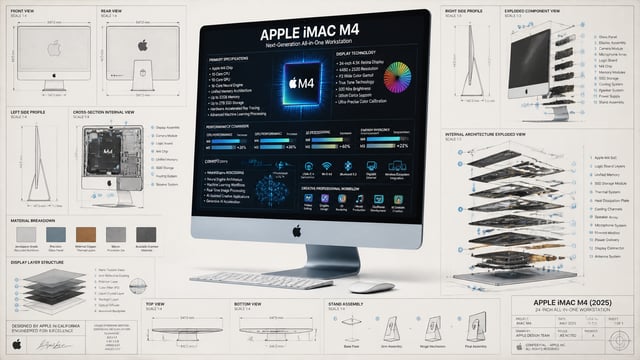
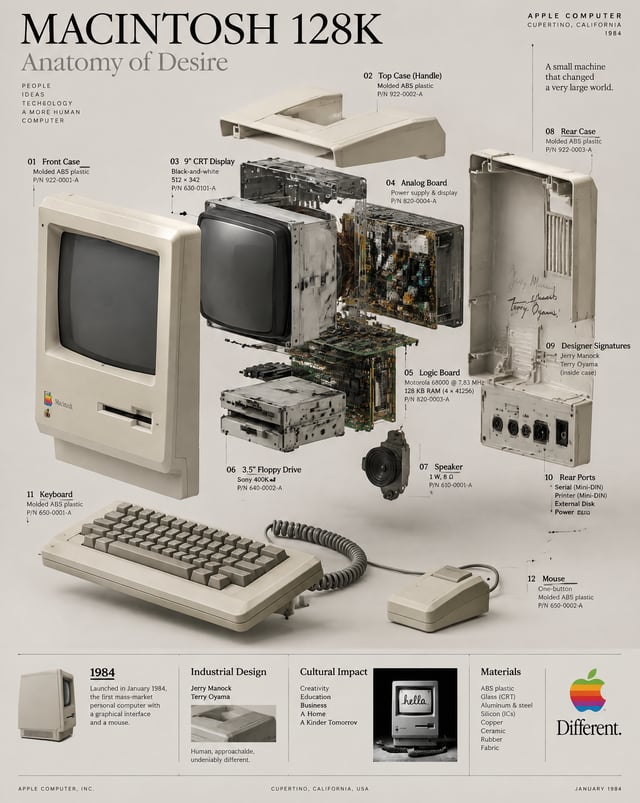
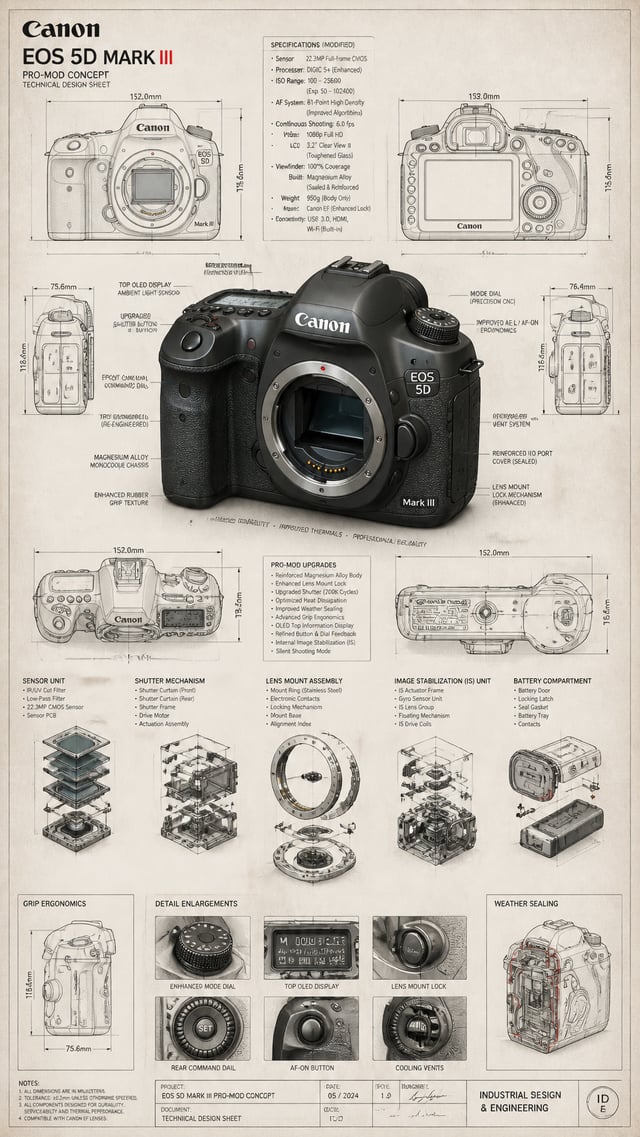
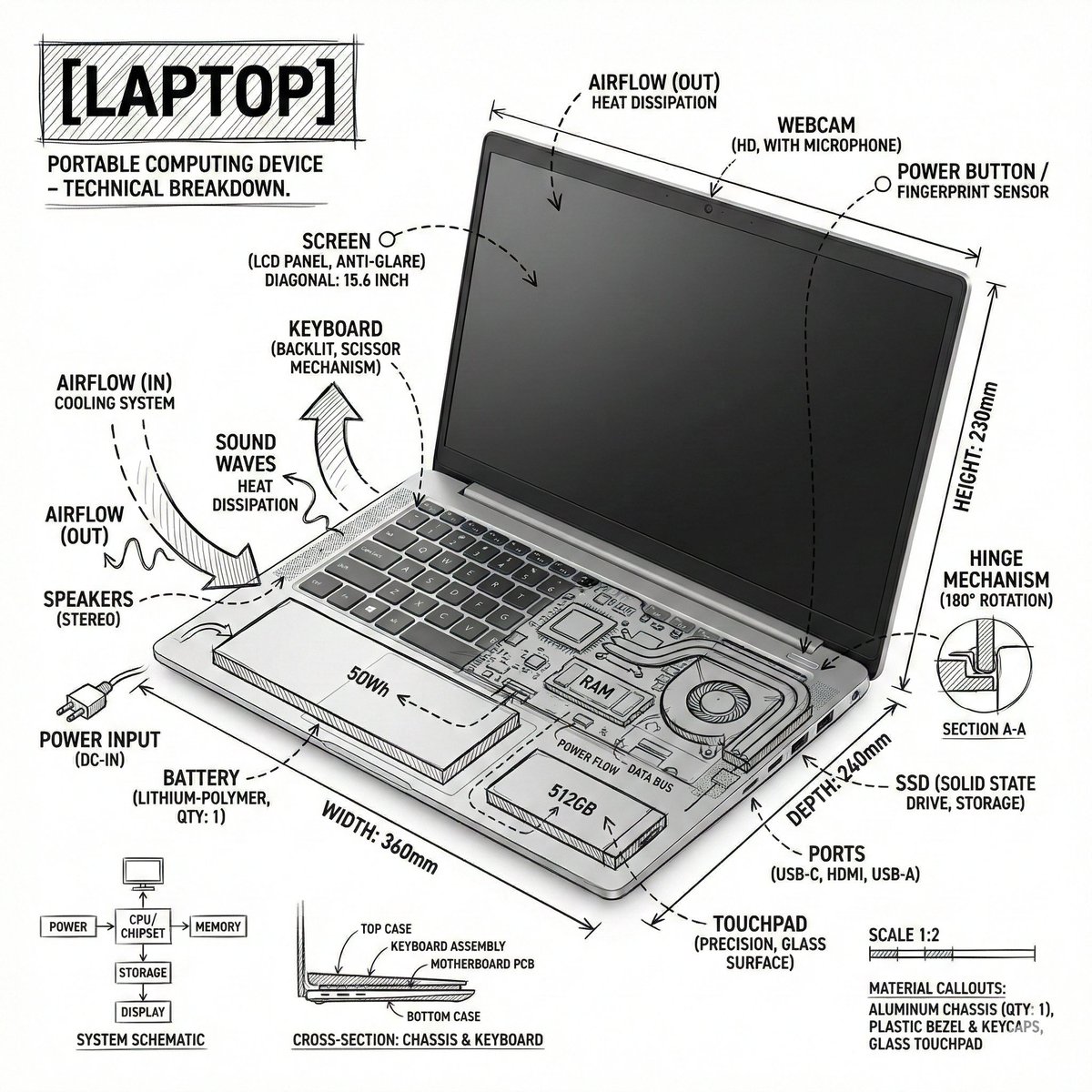
Create an infographic image of laptop ,combining a realistic photograph or photoreal render of the object with technical annotation overlays placed directly on top. Use black ink–style line drawings and text (technical pen / architectural sketch look) on a pure white studio background, including: •Key component labels •Internal cutaway or exploded-view outlines •Measurements, dimensions, and scale markers •Material callouts and quantities •Arrows indicating function, force, or flow (air, sound, power, pressure) •Simple schematic or sectional diagrams where relevant Place the title [OBJECT] inside a hand-drawn technical annotation box in one corner. Style & layout rules: •The real object remains clearly visible beneath the annotations •Annotations feel sketched, technical, and architectural •Clean composition with balanced negative space •Educational, museum-exhibit / engineering-manual vibe Visual style: Minimal technical illustration aesthetic, black linework over realistic imagery, precise but slightly hand-drawn feel. Color palette: White background, black annotation lines and text only. No colors. Output: 1080×1080, ultra-crisp, social-feed optimized, no watermark.” Es par ek text post bnao X ke liye ki ye mere dwara bnata gya hai